Pixel basics · lesson 3 of 8 · Beginner · about 4 min
Vectors & swizzling
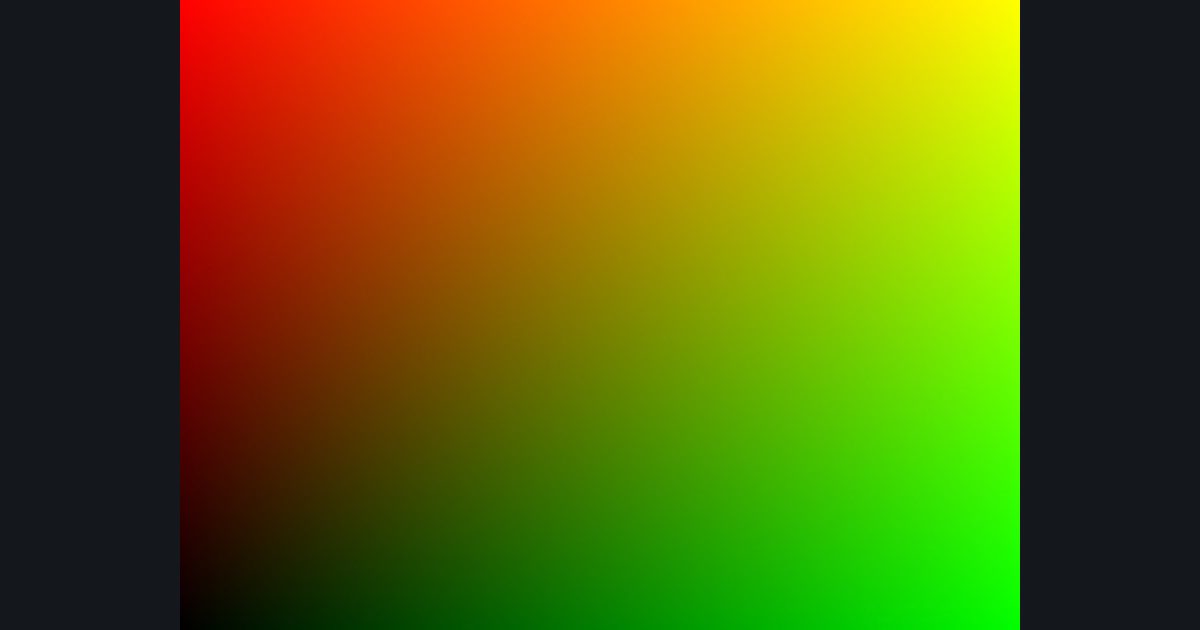
You will build: Swap the roles: red should follow the vertical axis and green the horizontal one.
float2, float3, float4 are vectors (like vec2/3/4 in LWJGL). You can reach components with .x .y .z .w or .r .g .b .a — and the cool part: you can combine and reorder them freely. This is called swizzling.
float2 a = float2(0.2, 0.8);
float2 flipped = a.yx;        // (0.8, 0.2)   reversed
float3 tripled = a.xxy;       // (0.2, 0.2, 0.8)  a float3 built from a float2!
float3 c = float3(a, 1.0);    // (0.2, 0.8, 1.0)
float4 withAlpha = float4(c, 1.0);   // a float3 + alpha
Math is per component: float2(1,2) * 3 is (3, 6), and float2(1,2) * float2(10,100) is (10, 200).
Try it in your own language
The lesson is written once and shown in every language. Pick yours: Unity (Built-in), Unity (URP), Unreal, Shadertoy / WebGL, OpenGL (LWJGL, raylib), three.js, GameMaker, LÖVE (Lua), Godot, Apple (iOS, macOS), WebGPU / Bevy.
Start codingGo deeper
Part of the learning path: Shader art basics.