Pixel basics · lesson 6 of 8 · Beginner · about 5 min
Center, distance & aspect ratio
You will build: Make the circle truly round by correcting for the aspect ratio.
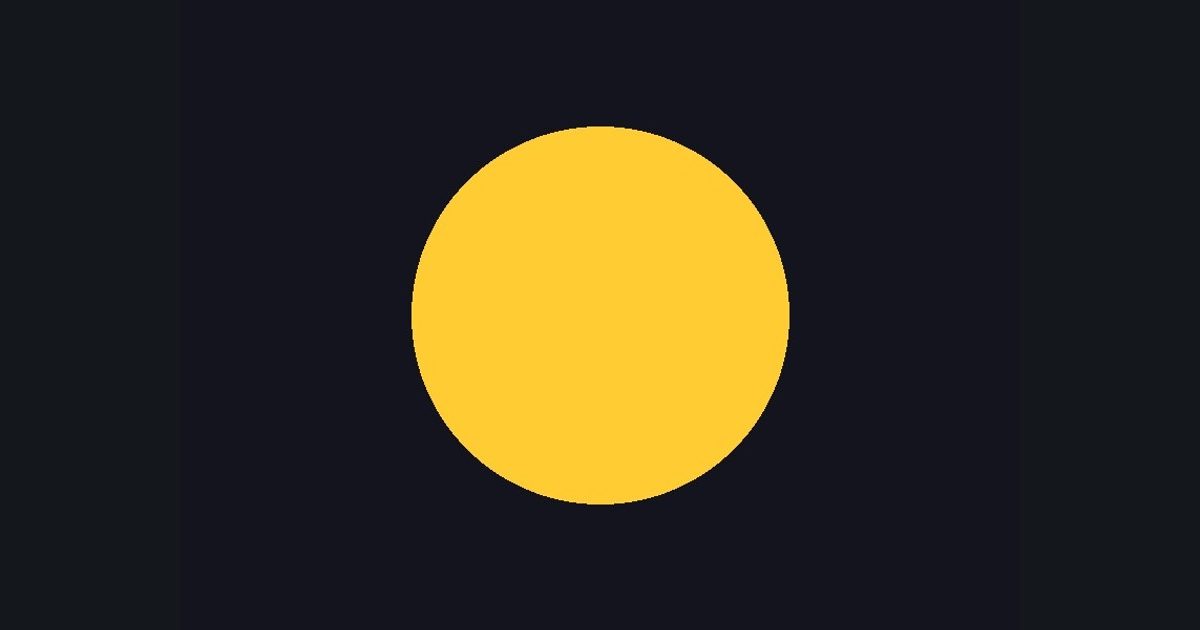
Most shapes want the origin in the middle, not the corner. Subtract 0.5:
float2 p = uv - 0.5;     // now (0,0) is the center, range -0.5 .. +0.5
float d = length(p);     // distance from the center
length(p) is the distance to the center, so “d < 0.3” is a circle of radius 0.3. step(d, 0.3) is 1 inside, 0 outside.
But look at the output: it's an ellipse. The image is 4:3, yet uv runs 0..1 on both axes, so 0.1 horizontally is more pixels than 0.1 vertically. Fix: scale x by the aspect ratio. This page provides aspect (width / height) for you; in Unity you'd use _ScreenParams.x / _ScreenParams.y (or just ignore it on a square Quad).
The numbers you need
Everything the picture depends on is given, so the challenge is the code, not guessing.
- Radius
0.3- Circle
float3(1.0, 0.8, 0.2)- Background
float3(0.08, 0.08, 0.12)
Try it in your own language
The lesson is written once and shown in every language. Pick yours: Unity (Built-in), Unity (URP), Unreal, Shadertoy / WebGL, OpenGL (LWJGL, raylib), three.js, GameMaker, LÖVE (Lua), Godot, Apple (iOS, macOS), WebGPU / Bevy.
Start coding