See it
Every idea comes with a diagram you can drag: turn space, blend the corners of a noise cell, step a ray towards a sphere.
Interactive shader programming course
Short, hands-on lessons in shader code. Drag a value, watch every pixel react, then write the code yourself in HLSL, GLSL, WGSL, Metal or Godot's shading language.
float d = length(p);
float inside = step(d, 0.30);
return lerp(bg, gold, inside);
Every idea comes with a diagram you can drag: turn space, blend the corners of a noise cell, step a ray towards a sphere.
One quick question before you code. Wrong answers tell you what you mixed up.
Write the shader. A match bar fills as your picture gets closer to the target.
Pick your language at the top of the page. One click exports what you wrote.
Recreate the target picture, then try to beat par with shorter code.
Write HLSL, GLSL, WGSL, Metal or the Godot shading language. The lessons, hints, starter code and exports follow the language you pick.
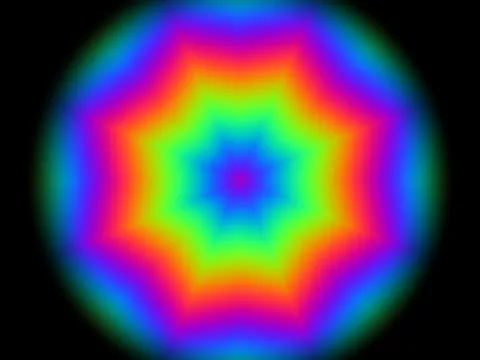
ShaderBattle is a free, interactive way to learn shader programming. Every lesson shows a target picture and you write the shader that draws it, live in your browser. A match bar tells you how close you are, and you can then try to shorten your code and speed it up.
A shader is a small program that runs on the graphics card. A fragment (pixel) shader runs once for every pixel on the screen, all at the same time, and decides its color. Shaders draw lighting, water, fire, smoke, clouds and most of the visual effects in games.
No. Everything runs in your browser using WebGL 2. You do not need Unity, Unreal, Godot or a graphics driver beyond what your browser already uses.
HLSL (Unity Built-in, Unity URP, Unreal), GLSL (Shadertoy and WebGL, OpenGL, three.js, GameMaker, LÖVE), the Godot shading language, Metal (Apple platforms) and WGSL (WebGPU and Bevy). You switch language with one picker and the lessons, hints and starter code follow.
Yes. Every exercise has an export button that produces a complete, ready-to-paste file for your engine: a Unity ShaderLab file, an Unreal Custom node, a Shadertoy shader, a Godot .gdshader, a Metal file or a WGSL module.
Start with the first lesson, "Every pixel, one function". The lessons are short and each adds one idea. If you already know a programming language such as C#, Java, JavaScript or Python you will feel at home quickly.
Every day there is one new target picture, the same for everyone. Recreate it in code and try to beat the par for code length. Past days stay open so you can catch up, and your day streak counts consecutive days you solved.
No. ShaderBattle is free. You can create an account to keep your progress across devices; without one, your progress is saved in your browser.
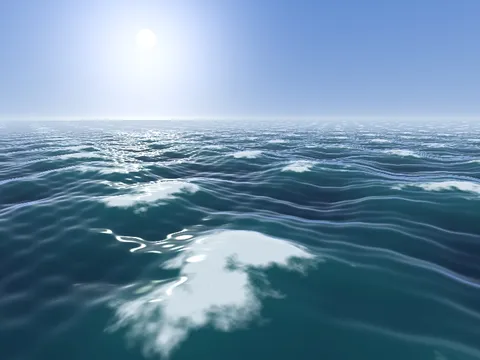
Yes. After the basics there are step-by-step series on ray-marched 3D, an ocean with Fresnel reflection and foam, volumetric clouds you fly through, a smoke grenade with bullet holes, snow with footprints, a campfire, rising smoke and a rain pond.