Pixel basics · lesson 2 of 8 · Beginner · about 4 min
Two axes
You will build: Red grows to the right, green grows upward, blue is a constant 0.5.
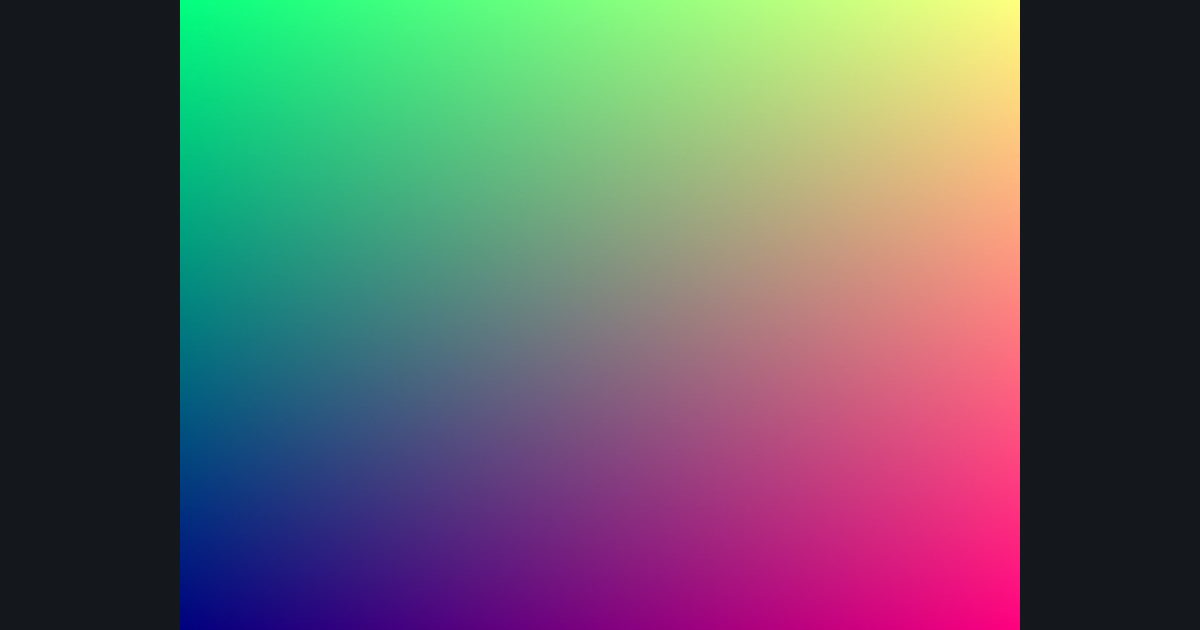
Both axes at once: feed uv.x into one channel and uv.y into another.
print() from a shader — there's no console per pixel. Instead you output the value as a color. Not sure what a variable holds? return float4(thatValue, 0, 0, 1); and look.Notice how corners are colored: bottom-left is (0,0) so it's the darkest, top-right is (1,1).
The numbers you need
Everything the picture depends on is given, so the challenge is the code, not guessing.
- Blue
0.5
Try it in your own language
The lesson is written once and shown in every language. Pick yours: Unity (Built-in), Unity (URP), Unreal, Shadertoy / WebGL, OpenGL (LWJGL, raylib), three.js, GameMaker, LÖVE (Lua), Godot, Apple (iOS, macOS), WebGPU / Bevy.
Start codingGo deeper
Concept explainers with a live example: UV coordinates.
Part of the learning paths: From zero to ray marching, From Shadertoy to Unity, Shader art basics.