Mesh shaders (Three.js) · lesson 2 of 5 · Intermediate · about 4 min
Diffuse light on a torus
You will build: Light the torus from one direction with a little ambient light.
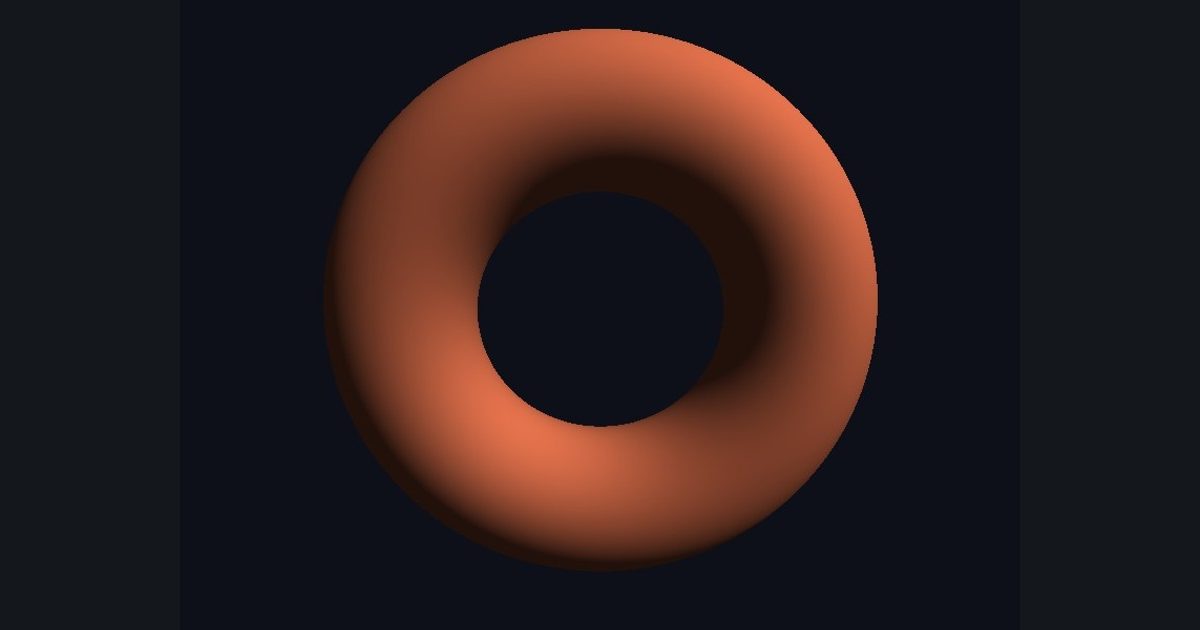
Same idea as the fake sphere earlier, but now the normal comes for free from the mesh: diffuse = max(dot(normal, lightDir), 0.0). Brightness is the cosine of the angle between the surface and the light.
Notice you did not have to compute a z-coordinate or march any rays: the mesh and the rasterizer already did the hard geometric work, and your shader only decides color. That is why almost all game shaders look like this.
The numbers you need
Everything the picture depends on is given, so the challenge is the code, not guessing.
- Light direction
normalize(float3(0.6, 0.8, 0.5))- Base color
float3(0.9, 0.45, 0.3)- Brightness
base * (0.15 + 0.85 * diffuse)
Try it in your own language
The lesson is written once and shown in every language. Pick yours: Unity (Built-in), Unity (URP), Unreal, Shadertoy / WebGL, OpenGL (LWJGL, raylib), three.js, GameMaker, LÖVE (Lua), Godot, Apple (iOS, macOS), WebGPU / Bevy.
Start codingGo deeper
Part of the learning path: From Shadertoy to Unity.