3D with raymarching · lesson 7 of 7 · Intermediate · about 5 min
Raymarching: put it all together
You will build: Build the whole raymarcher: map() with a sphere, the ray loop, calcNormal from the Toolbox, and diffuse light.
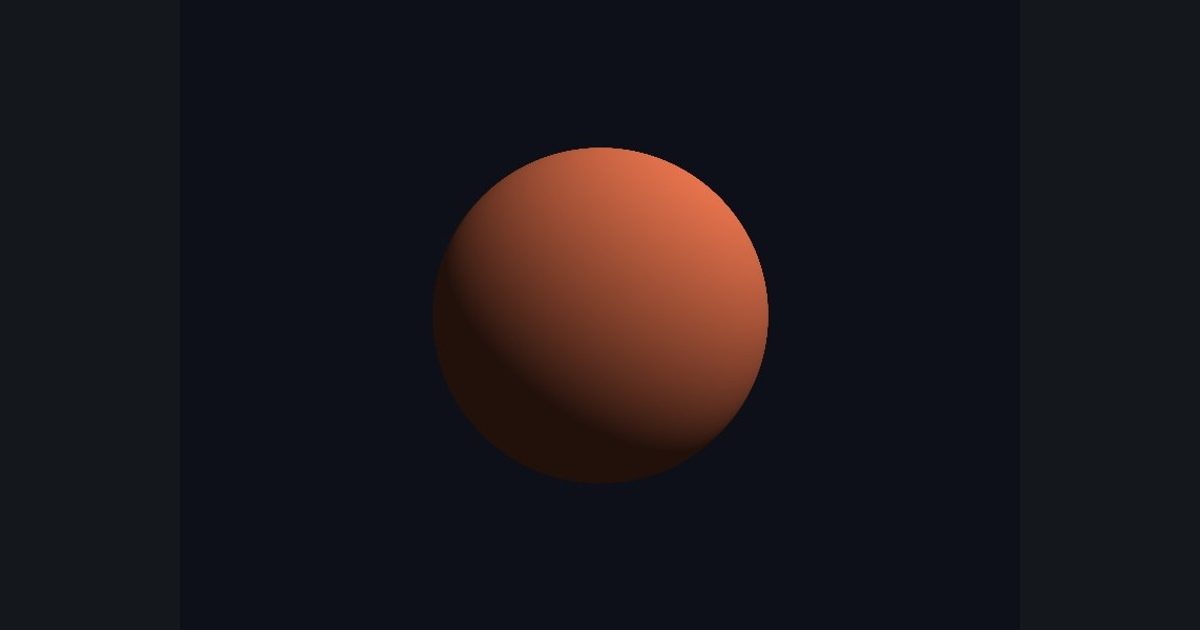
You now have every piece: a ray per pixel, a distance function, smart steps, and a normal. This lesson puts them together, with two upgrades:
- Put the distance function in its own function,
map(p). Then to change the scene you change onlymap(a box, two spheres, a floor...). The ray loop never changes. - Light it: diffuse light =
max(dot(n, L), 0.0)(same as the fake sphere lesson).
For the normal, shapes other than spheres do not have an easy formula, so we measure it: nudge the point a tiny bit in x, y and z and see how the distance changes. The direction in which the distance grows fastest points straight out of the surface. That is the helper calcNormal in the Toolbox; you do not have to write it.
The order that works: write map first, then add calcNormal (it calls map), then write frag.
float2 p = (uv - 0.5) * float2(aspect, 1.0) * 2.0;
float3 ro = float3(0.0, 0.0, -3.0);     // camera position
float3 rd = normalize(float3(p, 1.5));  // ray direction for this pixel
float t = 0.0;                          // distance travelled along the ray
for (int i = 0; i < 64; i++)
{
    float d = map(ro + rd * t);         // how far to the nearest surface?
    t += d;                             // step forward that far
    if (d < 0.001 || t > 20.0) break;   // hit, or miss
}
Tip: use the Outline button for the plan, and the Show solution walkthrough if you get stuck on any line.
The numbers you need
Everything the picture depends on is given, so the challenge is the code, not guessing.
- Step
t += d- Stop
d < 0.001 || t > 20.0- Sphere
radius 1.0 at the origin, camera at (0,0,-3)
Try it in your own language
The lesson is written once and shown in every language. Pick yours: Unity (Built-in), Unity (URP), Unreal, Shadertoy / WebGL, OpenGL (LWJGL, raylib), three.js, GameMaker, LÖVE (Lua), Godot, Apple (iOS, macOS), WebGPU / Bevy.
Start codingGo deeper
Concept explainers with a live example: signed distance field, ray marching.
Part of the learning path: From zero to ray marching.